JEXL in tSM
This guide describes JEXL as it is used in the tSM frontend: form configuration, widgets, validations, data-source parameters, small calculations, and Public API lookups.
JEXL in tSM is not full JavaScript. It is an expression language: you usually write one expression, the expression is evaluated against the current context, and the result is used by the field where the expression is configured. Depending on where the expression is used, the result can be interpreted as a boolean, string, number, object, array, validation result, or API request parameter.
This guide is structured as a publishable replacement for the older single JEXL guide. It keeps the topics from the existing tSM JEXL documentation, adds current runtime helpers from the frontend, and uses realistic form-oriented examples. Deprecated helpers are kept only as compatibility notes, not as recommended patterns.
What Exactly Is tSM JEXL?
tSM JEXL is the frontend expression language used by forms, widgets, data sources, and UI-level configuration. It is designed for short, context-aware expressions that make the UI react to the current entity, current form state, logged-in user, and runtime configuration.
It combines:
- JavaScript-like literals, operators, arrays, objects, and arrow functions,
- a curated set of helper functions registered by tSM modules,
- context variables such as
$context,$value,$row, and$configUi, - data-source calls such as
evalScriptByCode(...),attachmentCount(...), andtsmModule(...), - Public API calls such as
crm.customer.find(...).
JEXL runs in the browser-side form/runtime context. Use it for UI behavior and lightweight data shaping. Use SpEL for backend automation, transactions, process logic, and server-side integration logic.
Guide Map
Read the guide in this order:
| Page | Focus |
|---|---|
| Overview | What JEXL is, where to use it, and how to debug expressions. |
| Evaluation And Context | How expressions are evaluated and which context variables are available. |
| Syntax | Literals, comparisons, fallbacks, ternaries, functions, arrays, lambdas. |
| Practical Patterns | Everyday UI patterns and real examples from current tSM forms. |
| Runtime And Public API | Helper calls, script calls, Public API calls, filter operators, JEXL vs SpEL. |
| Functions: Date And Time | Date/time helpers. |
| Functions: Arrays And Objects | Array, object, map, filter, find, and transformation helpers. |
| Functions: Strings | String conversion, splitting, joining, replacing, and formatting helpers. |
| Functions: Numbers And Validations | Numeric helpers plus validators such as email, UUID, BAN, and national ID. |
| Functions: Runtime Utilities | User, privilege, attachment, script, location, module, and runtime helpers. |
| Practices And Cheat Sheet | Recommended practices, common mistakes, quick lookup table. |
When To Use JEXL
Use JEXL when you need to:
- show or hide a field based on form values,
- enable, disable, or require a field dynamically,
- calculate a default or derived value,
- build a parameter for a widget or data source,
- filter, map, or summarize form data,
- implement a custom validation,
- call tSM Public API from a UI expression,
- format dates, numbers, or strings.
Typical places where JEXL is used:
- widget properties such as
Hidden,Disabled,Required, Default valueor computed value fields,- data-source configuration fields,
Custom Validation,- transformation fields in form or page configuration.
Running And Debugging
Opening The JEXL Console
The JEXL console is available from forms and pages where the runtime can expose the current form/entity context. Open it from the debug icon or page/form menu, depending on the application shell and permissions.
Use the console when:
- you need to inspect the real
$contextavailable on a page, - an expression works in one form but not another,
- a value is unexpectedly
null, - you are not sure whether helper syntax or method syntax is available,
- a Public API or data-source call returns an unexpected shape.
What To Test First
Start with the smallest expression that proves the context shape:
$context.form
$context.entity
Then test the exact field:
$context.form.productInternet
Then test the final expression:
$context.form.productInternet
  ? $context.form.productInternet.name
  : null
Debugging Checklist
| Symptom | First thing to check |
|---|---|
| Expression returns nothing | Verify the exact context path in the JEXL console. |
TypeError: functions.keys is not a function | keys(...) is not registered; build an explicit array or add a helper. |
| Dynamic access does not work | $context.form[key] may not be supported; use explicit property access. |
| API call is slow | Check whether the expression is evaluated too often. |
| Validation behaves reversed | Confirm whether true means valid or invalid in that validation slot. |
| Array lambda fails | Try the helper form, for example filter(items, 'status', 'ACTIVE'). |
Form Configuration Screens
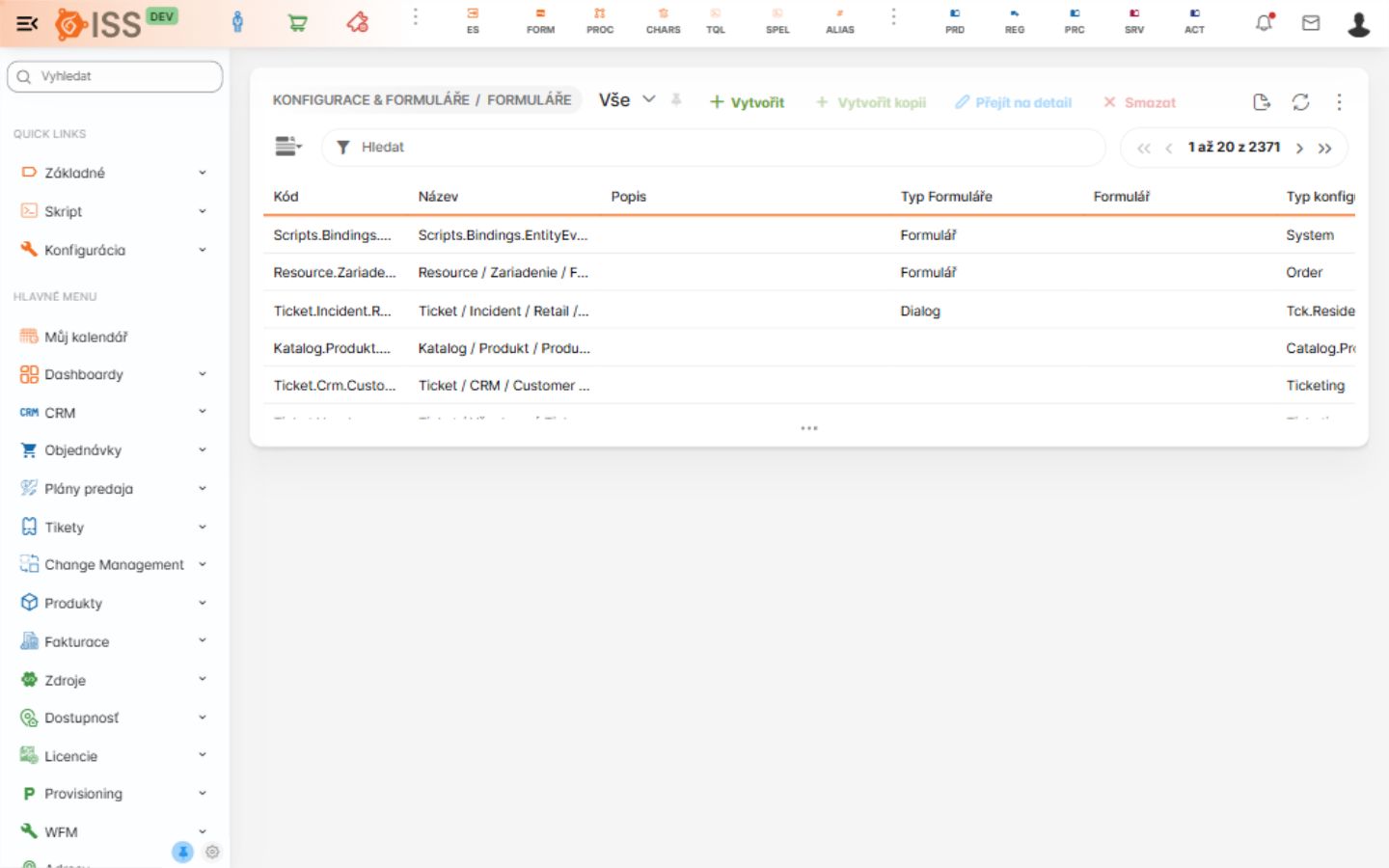
JEXL expressions are most often maintained from form configuration. Open Configuration -> Forms, search for the form code, and then open the form detail.
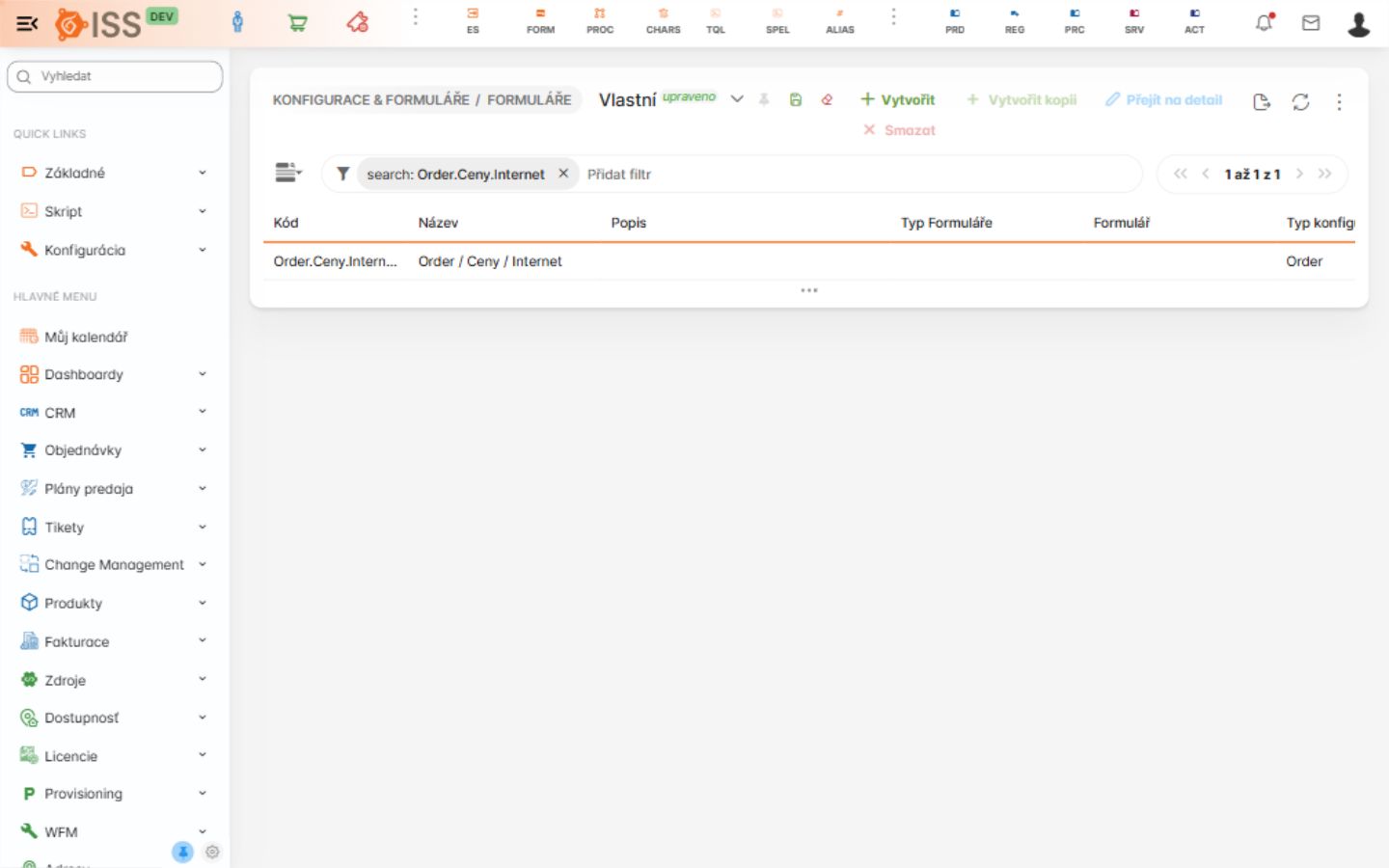
When the form code is known, filter the listing directly. This is the fastest way to reach the exact form that contains the expression you need to inspect.
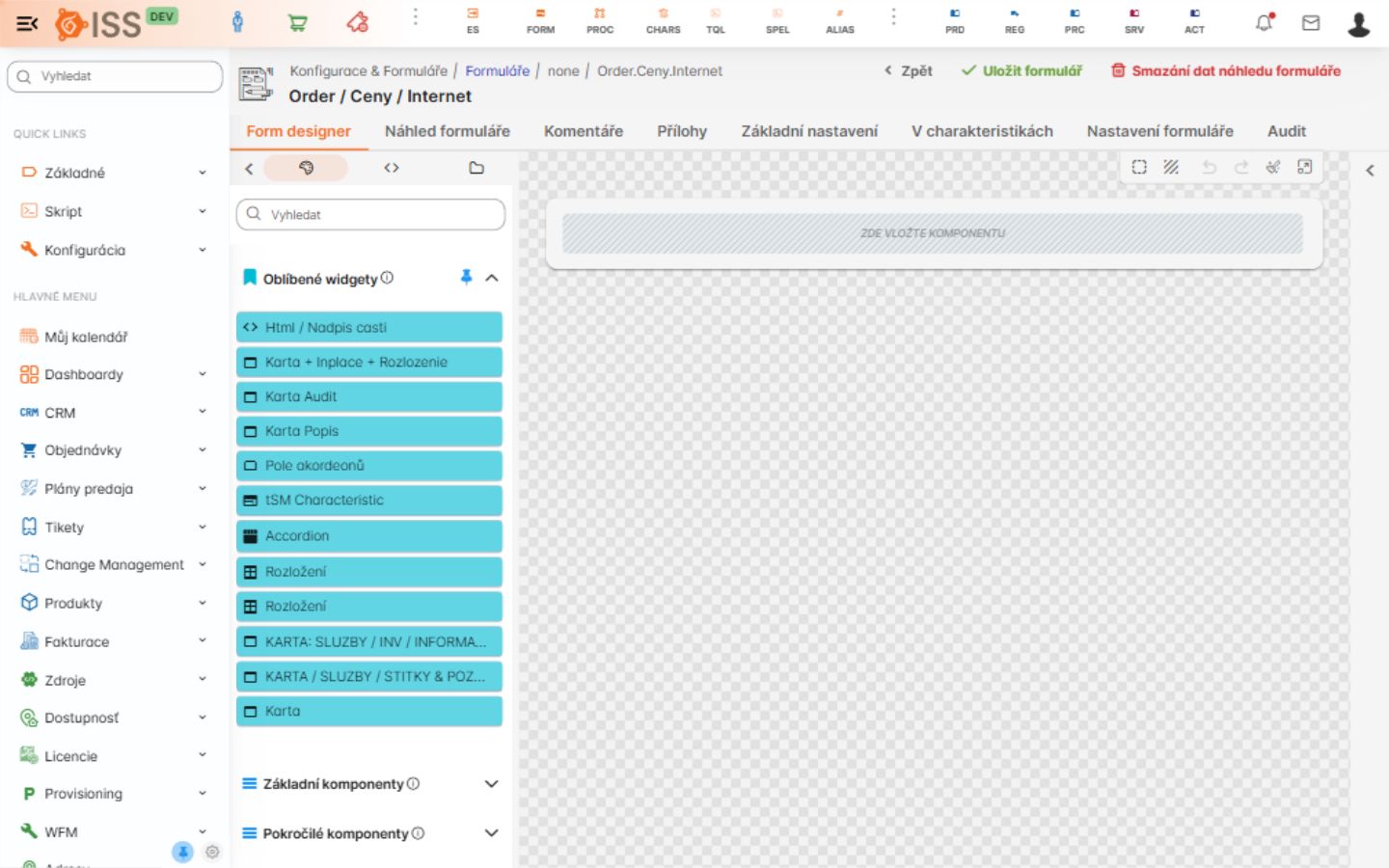
The form detail contains the form designer, preview, settings, characteristics, attachments, comments, and audit tabs. JEXL expressions are usually configured on components in the designer or in field/widget properties.