JEXL Practical Patterns
Practical Patterns
Hide A Field
Hide a field when the customer is not a company:
$context.form.customerType != 'COMPANY'
Required Field Based On Another Field
Make companyId required only for company customers:
$context.form.customerType == 'COMPANY'
Default Date Value
Set the start date to today without time:
now(true)
Calculate Total Price
sumMany($context.form.orderItems, 'price', 2)
If items contain quantity and unit price, use mapping with a callback and sum if the runtime supports spread syntax:
sum(...$context.form.orderItems.map(x => x.quantity * x.unitPrice))
If spread syntax is not supported in the given field, move the calculation to a helper or separate computed value.
Custom Validation
In schema customValidations, the expression usually returns true when the value is valid. customValidationsValidating controls whether that validation should run.
Email is valid when it is empty or has a valid format:
isNullOrEmpty($value) || isValidEmail($value)
National ID is valid when nidValid returns true:
nidValid($value.birthNumber)
Always verify the exact validation slot. Some older or custom widget-specific validation properties can use the opposite convention.
Display Contact Names
join(map($context.form.contacts, 'name'), ', ')
With method syntax:
$context.form.contacts.map(x => x.name).join(', ')
Filter Active Items
filter($context.form.items, 'status', 'ACTIVE')
With method syntax:
$context.form.items.filter(x => x.status == 'ACTIVE')
Pick The First Active Contact
find($context.form.contacts, 'active', true)
With method syntax:
$context.form.contacts.find(x => x.active)
Safe Text Fallback
$context.entity.name || 'No name'
Safe Numeric Fallback
($context.form.discount ?? 0) + ($context.form.manualDiscount ?? 0)
For decimal numbers, use safePlus:
safePlus($context.form.priceWithoutVat, $context.form.vat)
Real Form Patterns
The following patterns mirror current tSM form configuration. They show the shape of expressions you will actually meet in widgets, default values, filters, validations, and buttons.
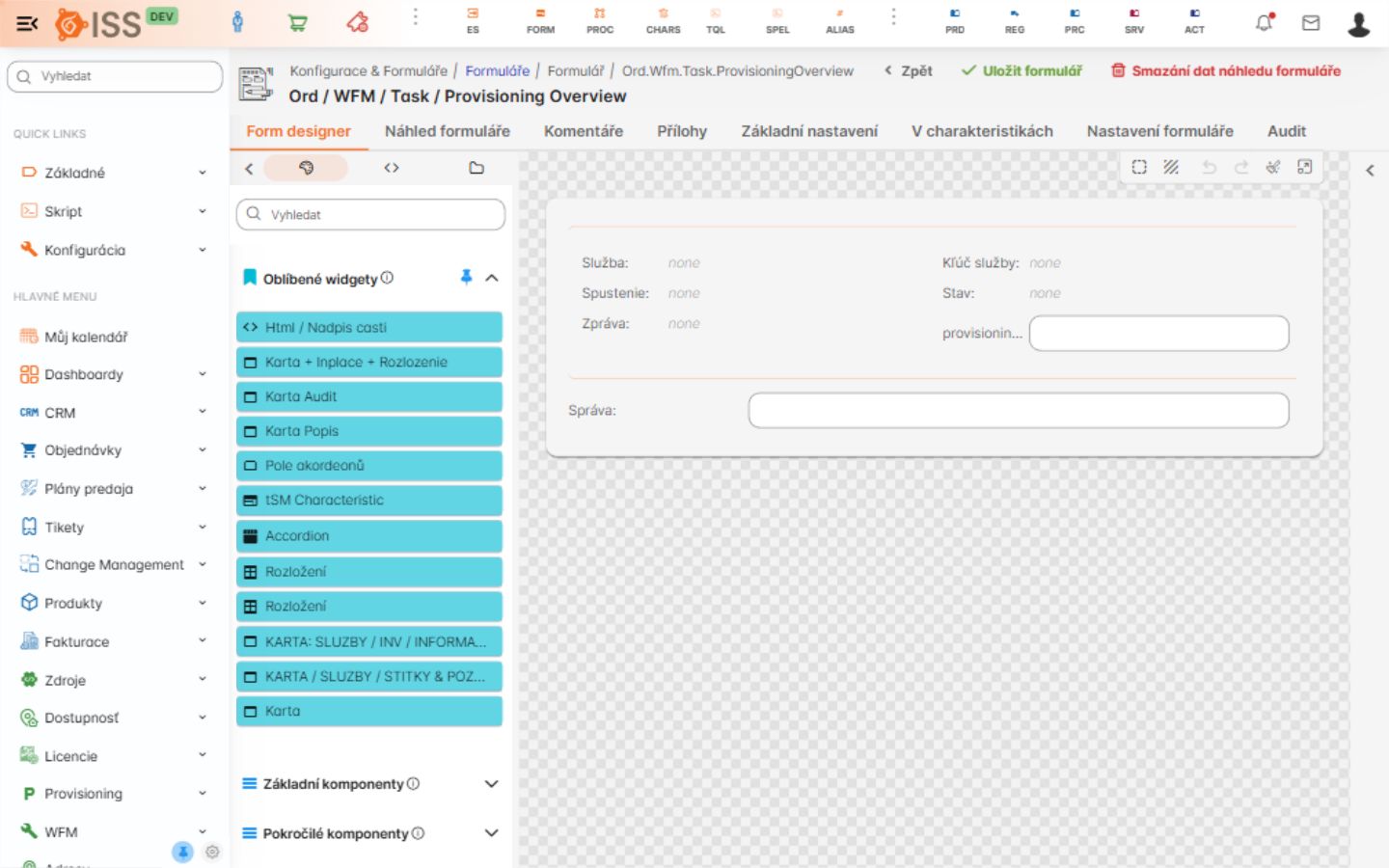
The form designer is the place where these expressions are usually attached to fields, widgets, layout columns, hidden/disabled/required properties, default values, and validation configuration.
Show Or Hide By Form Checks
Product and order forms often compute boolean flags under $context.form.checks. A field is hidden when the required prerequisite is missing:
!$context.form.checks.hasVoice
Combined conditions are common:
!$context.form.checks.hasInternet_productOrBundle ||
!$context.form.checks.hasContractSignMethod ||
$context.form.checks.hasContractSignMethod_digital_Technician
Use this pattern for hidden, readonly, disabled, and requiredValidating when the same business precondition controls several widget states.
Tooltip From Missing Prerequisites
Tooltips often explain why a field is disabled:
(!$context.form.checks.hasAddress || !$context.form.checks.hasVoice)
  ? 'Address and voice product are required before phone number reservation'
  : null
Return null when no tooltip should be shown.
Required Only When Visible
For uploaded offline contracts:
$context.form.chars.contractSign.contractSignType == 'FyzickyD2dOffline'
The same condition can be used in requiredValidating, while hidden uses the inverse:
$context.form.chars.contractSign.contractSignType != 'FyzickyD2dOffline'
Default From Script Result
Script-backed defaults usually guard the call first and then read .data:
!isNullOrEmpty($context.form.customerId)
  ? evalScriptByCode(
      'Crm.Customer.GetPrimaryPersonEmail',
      { customerId: $context.form.customerId }
    ).data
  : null
For heavier order checks, pass the full form and current user:
!isNullOrEmpty($context.form.customerId)
  ? evalScriptByCode(
      'Order.Person.OvereniePrimarnejOsoby',
      { order: $context.form, userId: currentUserId() }
    ).data
  : null
Script Data For Product Selects
Product select widgets commonly pass form state into a script:
{
  categories: ['Produkty.Internet.Optik'],
  commitment: $context.form.chars.commitment,
  technology: $context.form.technologySwitch,
  availabilitySwitch: $context.form.availabilitySwitch
}
For dependent product options:
{
  empty: !$context.form.checks.hasSlovanetTv_productOrBundle,
  categories: ['Produkty.TV.SlovanetTV.PB'],
  technology: $context.form.technologySwitch,
  productSpecId: !isNullOrEmpty($context.form.productTvProgram.productSpecId)
    ? $context.form.productTvProgram.productSpecId
    : $context.form.productOffer.products[1].productSpecId,
  relationshipTypeCode: 'Product.Product.ProgramovyBalik'
}
Default Filters For LOV Widgets
LOV filters are arrays of filter objects. A common role-based example:
includesArray(
  user.user.get(currentUserId(), { expand: ['ROLES'] }).roles,
  ['UserRole.Backoffice', 'UserRole.CallcentrumManager', 'UserRole.BackofficeManager'],
  true
)
  ? [
      {
        field: 'code',
        operator: 'eq',
        value: 'Postou',
        readonly: true,
        visible: false
      }
    ]
  : [
      {
        field: 'code',
        operator: 'eq',
        value: 'PodpisanaNaPredajni',
        readonly: true,
        visible: false
      }
    ]
For a script-backed in filter:
isNullOrEmpty($context.form.accountId)
  ? [
      {
        visible: false,
        field: 'id',
        operator: 'in',
        value: [$context.form.accountId]
      }
    ]
  : [
      {
        visible: false,
        field: 'id',
        operator: 'in',
        value: evalScriptByCode(
          'Order.Zrusenie.Getreturndeviceforaccountid',
          { accountId: $context.form.accountId, idList: true }
        ).data
      }
    ]
Role-Based Date Limits
Date widgets often allow privileged users to go further into the past:
(hasRole('UserRole.Backoffice') ||
 hasRole('UserRole.BackofficeManager') ||
 hasRole('UserRole.CallcentrumManager') ||
 hasRole('Admin'))
  ? new Date('2025-01-01')
  : addTime(now(), 0, 'days')
National ID And Age Validation
Person forms combine domain helpers, date helpers, and duplicate checks:
nidValid($value.birthNumber)
compareDates(
  now(),
  addTime(nidToDate($value.birthNumber), 18, 'years'),
  '>=',
  'days'
)
isNullOrEmpty(
  crm.customer.find({
    'chars.custPersonIdentifiers.birthNumber':
      $context.form.chars.custPersonIdentifiers.birthNumber
  })
)
Run expensive duplicate checks only when the field is filled and the user is not privileged to bypass the validation:
hasPriv('Manager.SuperPriv') == false &&
!isNullOrEmpty($value.birthNumber)
Mapping A Code To A Default Value
Long chained ternaries are common when one form field determines another:
$context.form.chars.cancelationDetails.terminationMethod == 'TERMINATION.DECEASED'
  ? 'CONTRACT.HOLDER.DECEASED'
  : $context.form.chars.cancelationDetails.terminationMethod == 'SERVICE.TRANSFER.INTERNET'
    ? 'INTERNET.TRANSFER.REQUEST'
    : $context.form.chars.cancelationDetails.terminationMethod == 'TERMINATION.NON.PAYMENT'
      ? 'SLOVANET.TERMINATION.NON.PAYMENT'
      : null
If the list grows, prefer a helper script or a register-driven configuration instead of adding many more ternary branches.